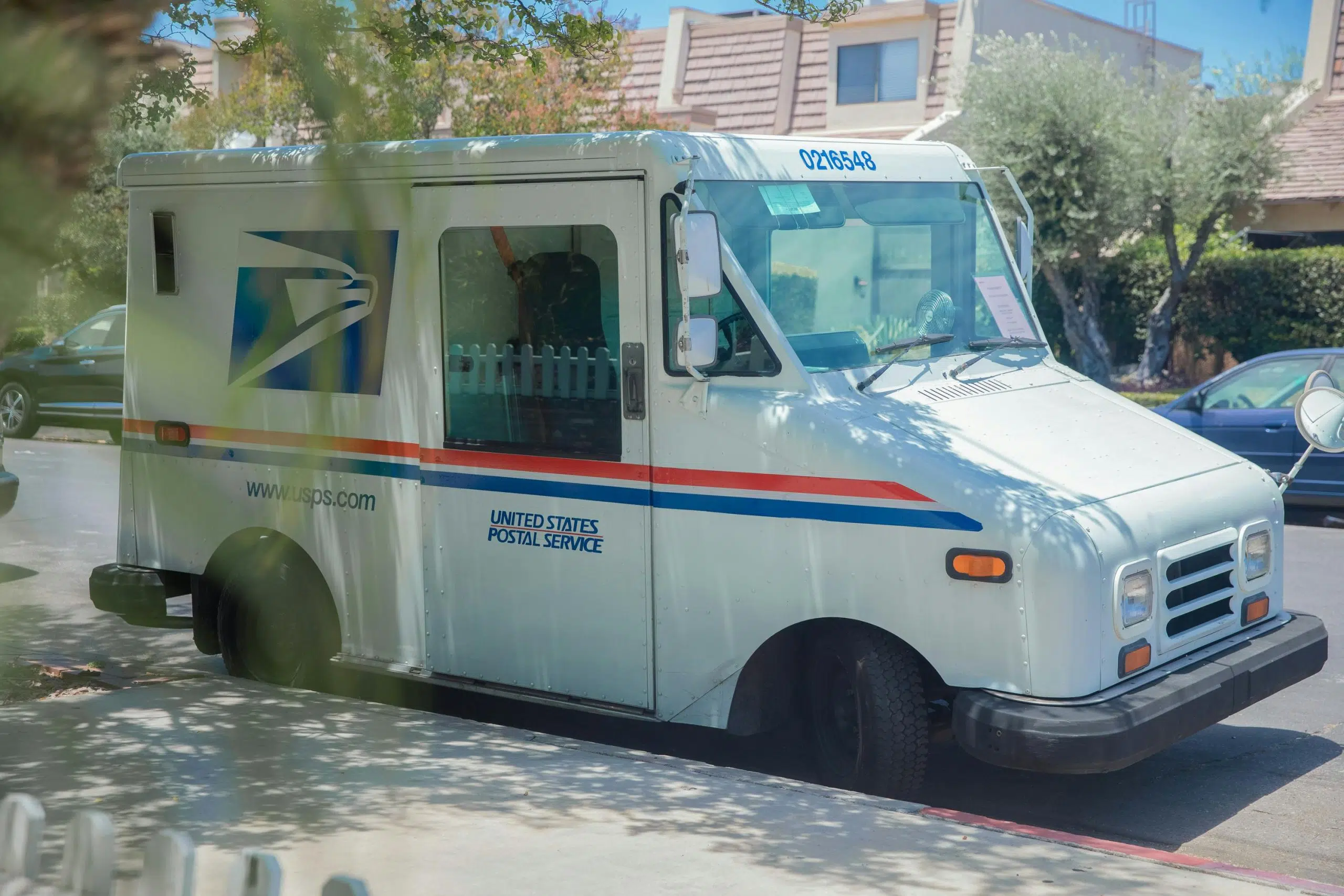
You hit send. Then you see it: the wrong ZIP code. The old version of the contract. The misspelled name. Can you stop it? Maybe—if you act in the next few minutes. Wait too long, and your letter is already being printed, stuffed into an envelope, and handed off to USPS. At that point, there’s no undo button.
This guide explains exactly when you can cancel a Certified Mail order, how to do it, and what to do when you can’t.
The Golden Rule: “Before It Goes Into Production”
The entire possibility of stopping your Certified Mail order rests on a single, non-negotiable condition: it must not yet be in production.
What “Production” Means
“Production” is the physical manufacturing phase:
- Your PDF instruction is sent to automated printers
- Document is inserted into a pre-labeled envelope alongside USPS forms
- Sorted into a batch for postal service pickup
Key point: It is no longer just data; it’s becoming a tangible object.
The Absolute Limit
Here is the firm policy: Once a job is in production, it cannot be canceled, recalled, or intercepted.
This isn’t a choice; it’s a logistical reality. The service cannot pluck a single envelope from a high-speed assembly line or from the custody of the USPS.
The Key Factor: Time
Because this production process is fast and runs on a tight schedule, the window to act is measured in minutes or hours, not days.
Your ability to cancel is a direct function of how quickly you respond after hitting send.
How to Attempt a Cancellation: The Step-by-Step Process
If you need to try and cancel an order, urgency and precision are your only tools. This is not a function you can perform yourself in your account settings; it requires immediate intervention from the support team.
Step 1: Don’t Panic, But Act Immediately
The moment you identify an error, you must move. Hesitation is the single biggest reason cancellation attempts fail.
Treat it with the urgency of stopping a wire transfer—because in many ways, that’s what it is.
Step 2: Contact Support Directly
Two direct lines:
- Email: support@docsmit.com
- Live Chat: Use the function on the website, if available
Information to provide:
- Recipient’s name
- Date you sent it
- Most important: Message ID or Job Number (found by hovering over the sent item in your dashboard)
Step 3: Understand the Timing & Outcome
During business hours: Support can process your request most rapidly
Two possible outcomes:
- Not yet in production: They will cancel it and send you a confirmation
- Already in production: They will inform you that cancellation is no longer possible and that the physical mailpiece will be sent as scheduled
If You Miss the Window: The “Cannot Cancel” Reality
Receiving the message that your job is “in production” means your cancellation attempt has failed. Here’s what this means on a practical level:
What “In Production” Actually Means
Your letter is already being printed or is in a stack of mail ready to go. It is a physical object moving through an automated system.
Analogy: It’s like trying to unsend a letter after you’ve dropped it in a blue USPS collection box on the street corner—the mechanism is not designed for retrieval.
Can You Intercept It Through USPS?
A common instinct is to think you can call the USPS directly to intercept it.
Reality: While USPS does offer a Package Intercept service for most trackable mail, it requires advance setup and is not guaranteed. For Certified Mail sent through commercial mailing services with tight production schedules, the practical window for successful interception is extremely narrow.
Stop Trying to Cancel
The most important step after learning you cannot cancel is to stop trying to cancel.
Do not:
- Call post offices
- Visit retail locations hoping for a different answer
Accepting this logistical reality is not defeat—it’s the necessary first step in developing a new, effective strategy to correct the error.
Your Next Steps When You Can’t Cancel: Practical Alternatives
When the door to cancellation closes, the door to damage control opens. Your response is no longer about stopping the error, but about managing its consequences.
Scenario 1: Wrong Document or Information
The error: Incorrect content—old contract version, wrong figures, or misspelled name
Your move:
- Send a corrected version immediately
- Consider including a brief cover note stating that the prior mailing contained an error
- Note that the attached document supersedes the previous version
Result: Creates a clear, defensible paper trail
Scenario 2: Wrong or Incomplete Address
The error: Delivery address was incorrect or incomplete
Your move:
- Send a new copy to the verified, correct address right away
- Do not rely on the original being returned as undeliverable
- Proactively sending the correct version ensures your legal or business obligation is met on time
Scenario 3: Accidental Duplicate Send
The error: Accidentally sent the same, correct document twice
Impact: Usually the least problematic error—wastes a postage fee, but the first successfully delivered copy serves as your valid proof of service
Your move:
- Simply note the duplicate in your internal records
- No further action with the recipient is typically required unless the duplicate causes confusion
Act Fast or Move Forward
The cancellation window is minutes, not hours. If you catch the error immediately and contact support right away, you have a chance. If you don’t, accept it and execute your damage control plan.
Docsmit’s platform includes clear previews and validation checks to minimize errors before you send. And if you ever do need to act fast, their dedicated support team provides the direct line to attempt cancellation.
Ready for a mailing service that understands urgency? Contact Docsmit support or start a trial today.