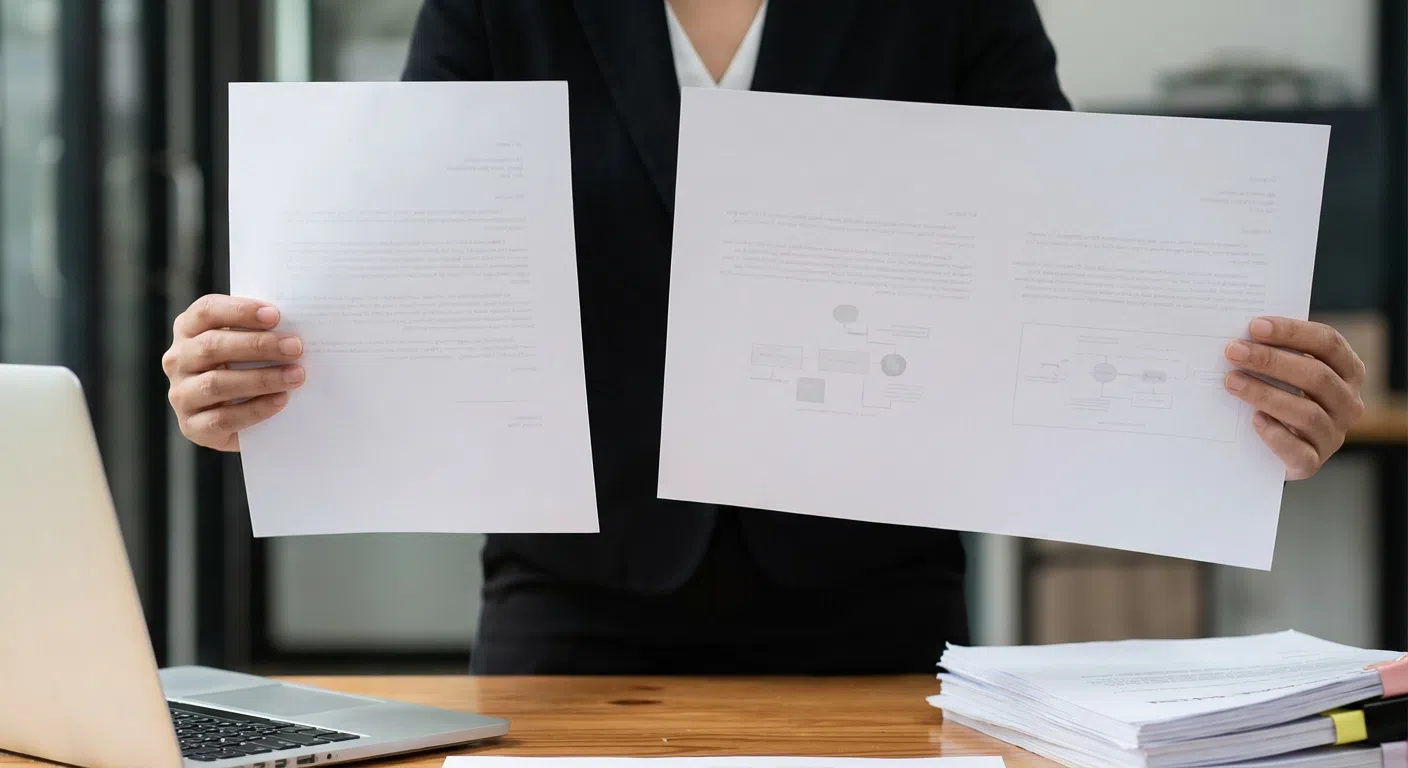

Automatic PDF Adjustments
To meet our printing standards, Docsmit checks your documents. If a PDF is not standard US Letter size (8.5″ x 11″), Docsmit automatically adjusts it. This may include rotating and/or resizing non-standard PDF sizes and orientations as needed.
How It Works
When we adjust your file, you will see a pop-up message. The file name will start with “mod-” (for example, “mod-yourdocument.pdf”). This prefix indicates that an adjustment has been made.
We recommend that you preview the modified file before sending it to print. You can do this by clicking the download icon to ensure that the document appears as you intended.
Want to try it yourself? Adobe has plenty of help resources that can guide you through the process. One link you might want to check out for this is found in their help files.
Need Help with Formatting?
If the automatic adjustments do not format your document correctly, we are here to help with non-standard PDF sizes and orientations.
- For documents without Protected Health Information (PHI): Please email the file to support@docsmit.com. Our team will assist you and use your feedback to improve our formatting features.
- For documents containing PHI: Please email support@docsmit.com to receive instructions for secure file handling. Do not attach documents containing PHI directly to your email.