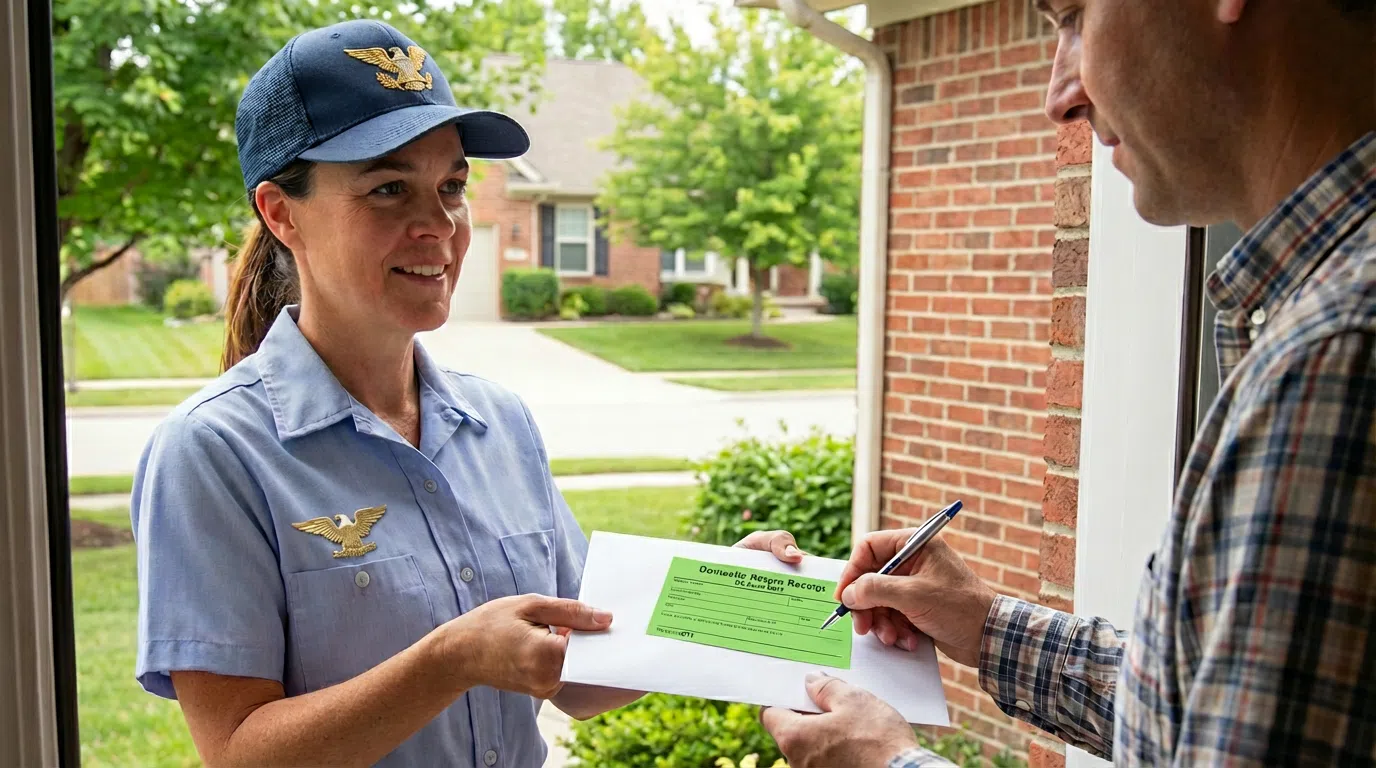

Your Certification of Mailing is a comprehensive, court-ready document that provides legal proof of what you sent, when it was mailed, its full tracking history, and the final USPS Proof of Delivery.
You can download this certification as a PDF from your account at any time.
How to Download Your Certification
- Log in to your Docsmit account.
- Navigate to your “Sent” items folder.
- Click on the specific mail piece you need to certify.
- On the mailing’s detail page, click the green ribbon icon in the upper right corner to download the PDF to your device.
What’s Included in Your Certification of Mailing?
Your certification packet is designed to provide definitive evidence and includes:
- A hashed, verifiable copy of the exact document you mailed.
- A complete USPS tracking timeline from acceptance to delivery.
- The official USPS Proof of Delivery, including the recipient’s signature where applicable (e.g., for Certified Mail).
- Key details such as the mailing date and recipient’s address.
This powerful document links your tracking number directly to the mail piece’s content, creating indisputable proof for legal and official matters.
Need More Help?
You can update your account settings and check your mail status at any time.